
Art Mode & Art Store
Make Your Frame TV Feel Like Art
When the TV is off, The Frame steps into Art Mode and displays artwork instead of a black screen. There are three ways to fill that canvas — and they're not all the same thing.
Television when you want it. Fine art when you don't.
Experience how the Samsung Frame transforms the character of your room. Toggle between curated museum art mode and vibrant 4K television.
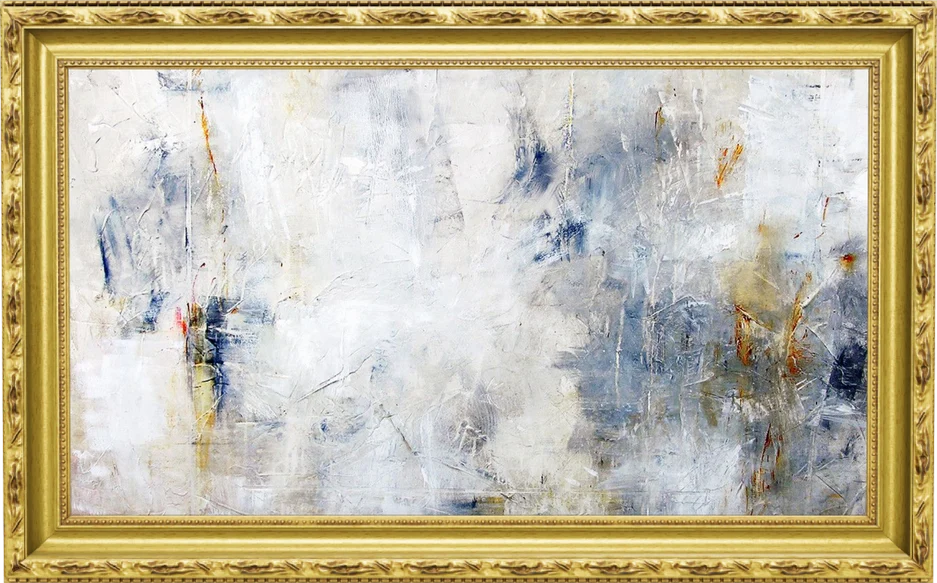
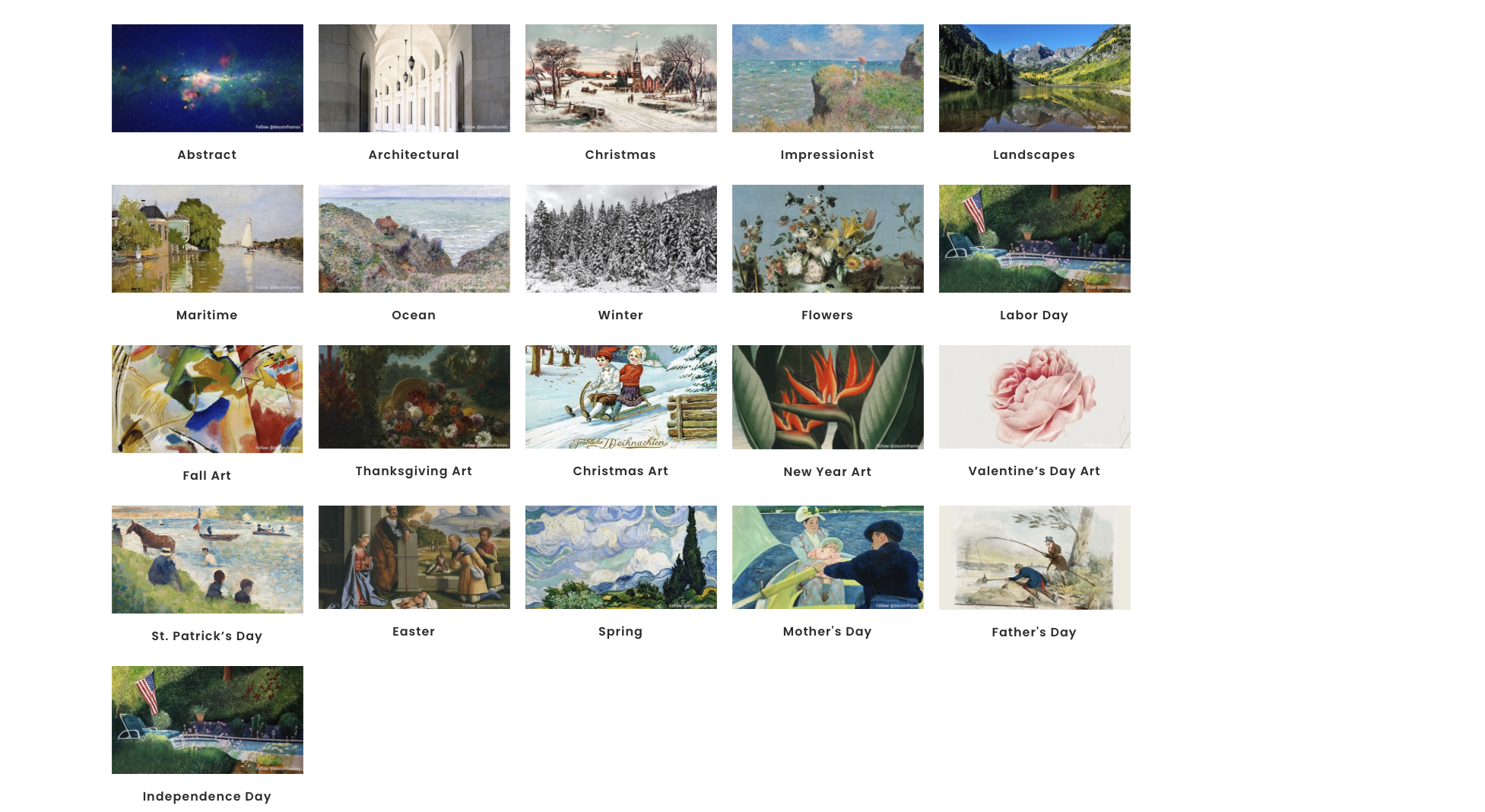
Curate by season, architectural style, or holiday.
With options from Samsung Art Store catalogs, Deco artwork collections, and your own high-resolution family photography, your wall reflects your living style year-round.
TV when it's on. Fine art when it's off.
Samsung The Frame transforms from an immersive 4K entertainment screen into a museum-grade art canvas. Curate from the 5,000+ piece Samsung Art Store, enjoy 370+ complimentary curated pieces annually with Art Store Streams, or showcase your own high-resolution family portraits.
Samsung Art Store
Access over 5,000+ works from world-renowned institutions: The Met, MoMA, Musée d'Orsay, Prado, Tate, V&A, Magnum Photos, and Disney.
Art Store Streams
Discover 30 handpicked artworks delivered to your screen every month at zero cost — that's over 370+ free curated pieces per year to keep your decor fresh.
Your Personal Photos
Upload personal architectural or portrait photography via the SmartThings app or USB. Choose custom digital mat borders (shadowbox, modern, or no-mat).
Browse The Frame Artwork Library
Sample works verified for Samsung The Frame's 16:9 4K anti-glare canvas.
Almond Blossom (detail)
By Vincent Van Gogh
Celebrated branches against turquoise skies, ideal for bright breakfast rooms and natural light.
How to Start Enjoying Art Store on Your Frame
We configure your Art Mode settings during installation, but here is how easy it is to explore anytime:
Enter Samsung Art Store
On your Frame remote, press the Art button or navigate to 'Art Mode' on the Home Hub. Select 'My Art Store' and tap 'Membership'.
Choose Free Streams or Full Plan
Opt into Art Store Streams for 30 free monthly rotating artworks, or choose a monthly / annual membership to unlock all 5,000+ pieces anytime.
Sign In & Customize Display
Sign in with your Samsung Account. Scan the QR code for fast mobile checkout or phone pairing, and adjust matte brightness to match your natural room lighting.
Need help planning the right art calibration for your room?
Smart Home DFW calibrates motion sensors, ambient light sensitivity, and matte margins on every installation.
Your artwork choices
Three ways to display art.
Samsung Art Store
A paid subscription gives you access to a large curated catalog of artwork from renowned galleries and artists. Subscription prices and features can change, so check the current membership options on Samsung's site rather than relying on a fixed price.
Check current Art Store termsArt Store Streams
On eligible models, Art Store Streams delivers a curated selection of artwork for free. Availability and the number of pieces can vary by region and may change — it's a nice way to keep the screen fresh without a subscription.
Your own photos
You can display personal photos or compatible artwork files you already own. Artwork brightness, crop, and mat treatment should suit the room. Art Mode uses power, and the available controls depend on your model.
Important distinction: Samsung's Art Store subscription and a separate Deco artwork purchase are different products. One is a recurring catalog membership; the other is a one-time artwork purchase. We help you tell them apart so you pay for what you actually want.
Ready to plan the details?
Want help choosing art and calibrating Art Mode for your room? Tell us about your space and we'll walk through the options.